How I Ran a Scraper for a Client Without Paying for a Single Server
Sometimes the right infrastructure is the one that costs nothing.
A client of mine works as a freelance censor – the person who sits in on practical exams and signs off whether candidates pass. The platform he uses to find new exams posts listings throughout the day. No notifications, no alerts. Just a table that updates whenever something new comes in.
He was refreshing the page manually. Between calls, between other work, just hitting F5 and scanning down the list. I asked him how long he’d been doing that. “A while,” he said.
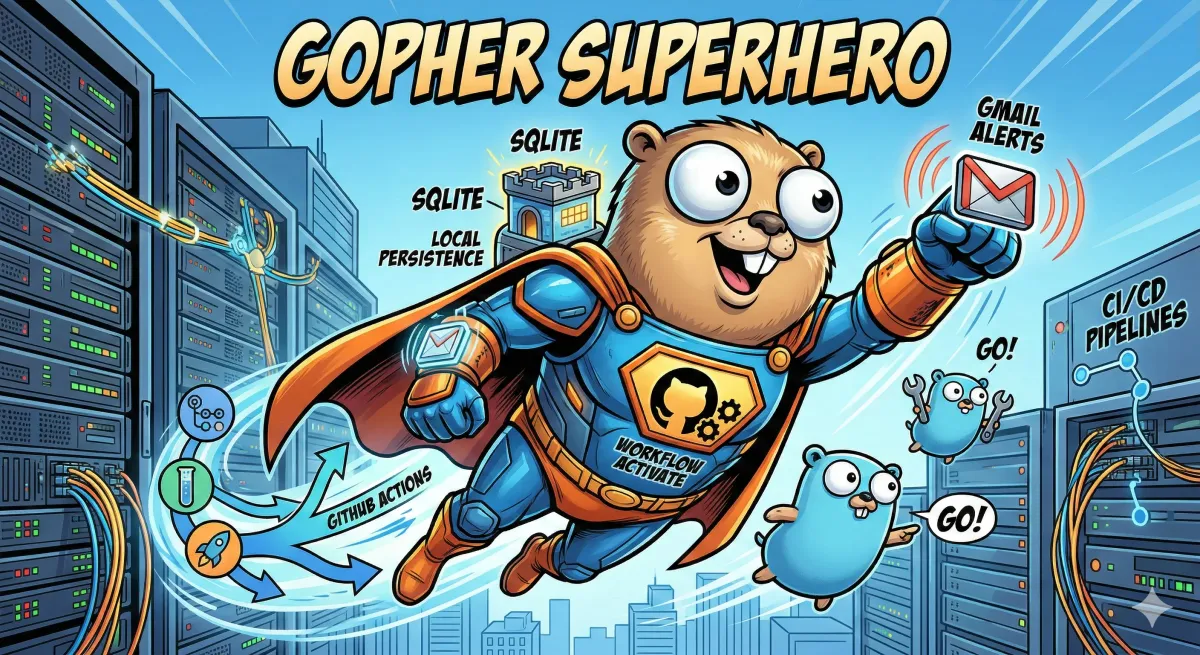
The Setup: GitHub Actions + Gmail + Go + SQLite
Before touching anything, I checked the platform’s terms of service. No policy against automated access, no robots.txt restrictions on the relevant paths. We were clear to proceed.
The fix wasn’t complicated in concept – poll the page every half hour during business hours, compare what’s there against what was there before, and email him if anything’s new.
The slightly interesting part was the infrastructure decision. I didn’t want to spin up a VPS or a cloud function for something this lightweight. GitHub Actions has a free tier: 2,000 CI/CD minutes per month on private repos. Running something every 30 minutes from 07:00 to 17:00 on weekdays eats maybe 300 of those. The rest just sits there unused.
So the whole thing runs as a GitHub Actions workflow on a cron schedule:
on:
  schedule:
    - cron: '0,30 7-17 * * 1-5'
The binary compiles, runs, and exits. No server, no daemon, nothing to babysit.
Handling Login: CSRF Tokens and Encrypted Sessions
The platform requires a login to see listings, which meant handling that properly rather than doing a full login on every run.
The binary does what a browser would do: fetches the login page, extracts the dynamic CSRF token (a hidden 32-character field that rotates every request), then POSTs credentials alongside it. After a successful login, the session cookies get serialised as JSON, encrypted with AES-256-GCM, and stored in a SQLite database that lives in the repo.
On the next run it decrypts those cookies, loads them into the HTTP client, and makes a quick test request to check if the session is still alive. If it is, no login needed. In practice a full re-login happens once every few days.
Scraping and Deduplication
With an active session, the binary POSTs a filtered search for the specific listing type the client cares about. The listings are spread across multiple pages, so it paginates through several offsets to make sure nothing gets missed. goquery parses each HTML table and pulls out title, date, location, and signup link from every row.
Every found link gets checked against a seen table in the same SQLite database. New ones go into a send list and immediately get written back to the DB so they won’t appear again. The database manages its own size – once it grows past 190 MB it deletes the oldest records and runs VACUUM to reclaim the space. No manual maintenance needed.
The Email Alert
When there are new listings, the binary builds a styled HTML email – one card per listing with title, date, location, and a direct signup button – and sends it via Gmail SMTP using an App Password. Multiple recipients are supported.
The client’s only task was to add the sender address to his trusted senders list so the emails don’t land in spam. That was the entire setup on his end.
The Result
It runs quietly, costs nothing, and he hasn’t had to think about it since.
What I liked about this one was that the right solution was also the boring one. No cloud functions, no managed services, no monthly invoice. Just a compiled Go binary running on a free CI runner, writing to a SQLite file.
If you’ve got something similar – a process you’re repeating manually because the platform doesn’t notify you – feel free to reach out.
– Christian